Free calculator & converter app
Your everyday calculations, sorted.
SmartCalc puts EMI, GST/tax, age, unit and land-area calculators — plus quick notes — behind one clean, obsidian-dark app. Six precise tools, no clutter, and it keeps working with no signal.
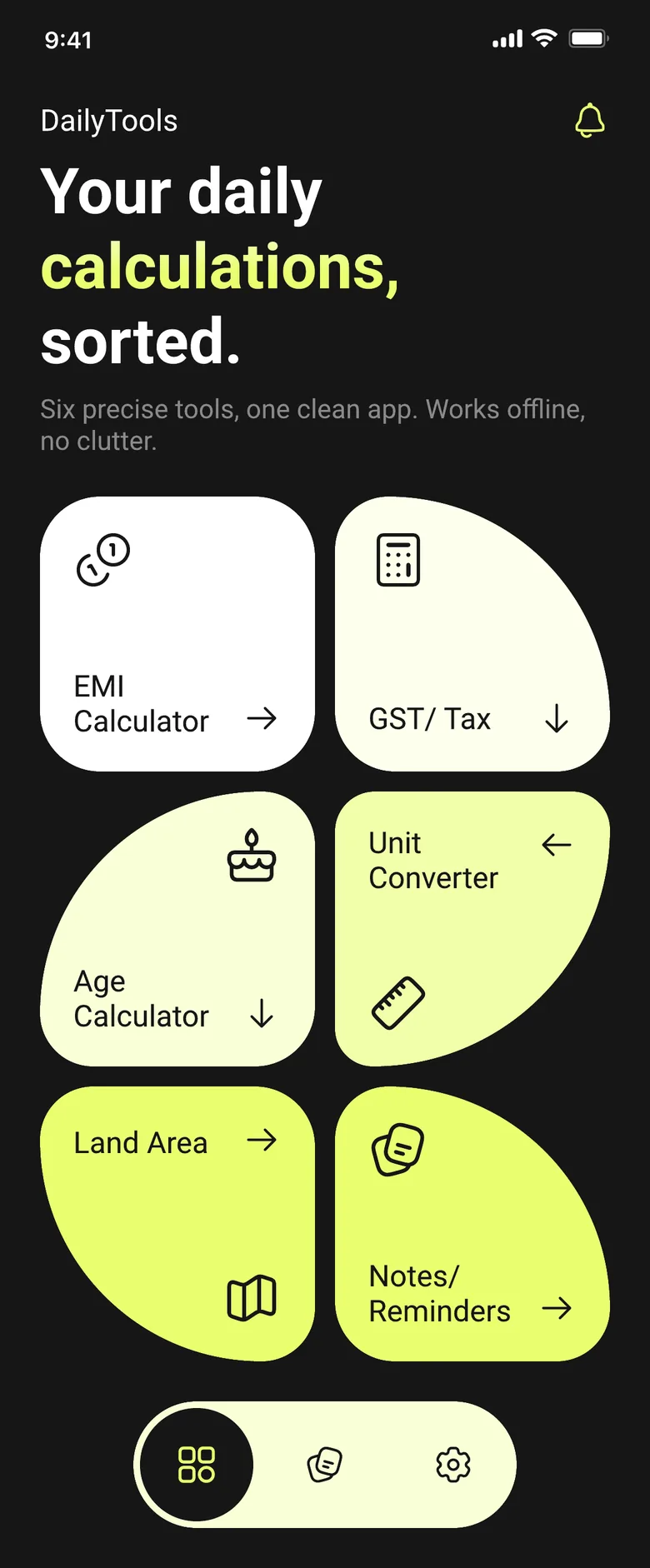
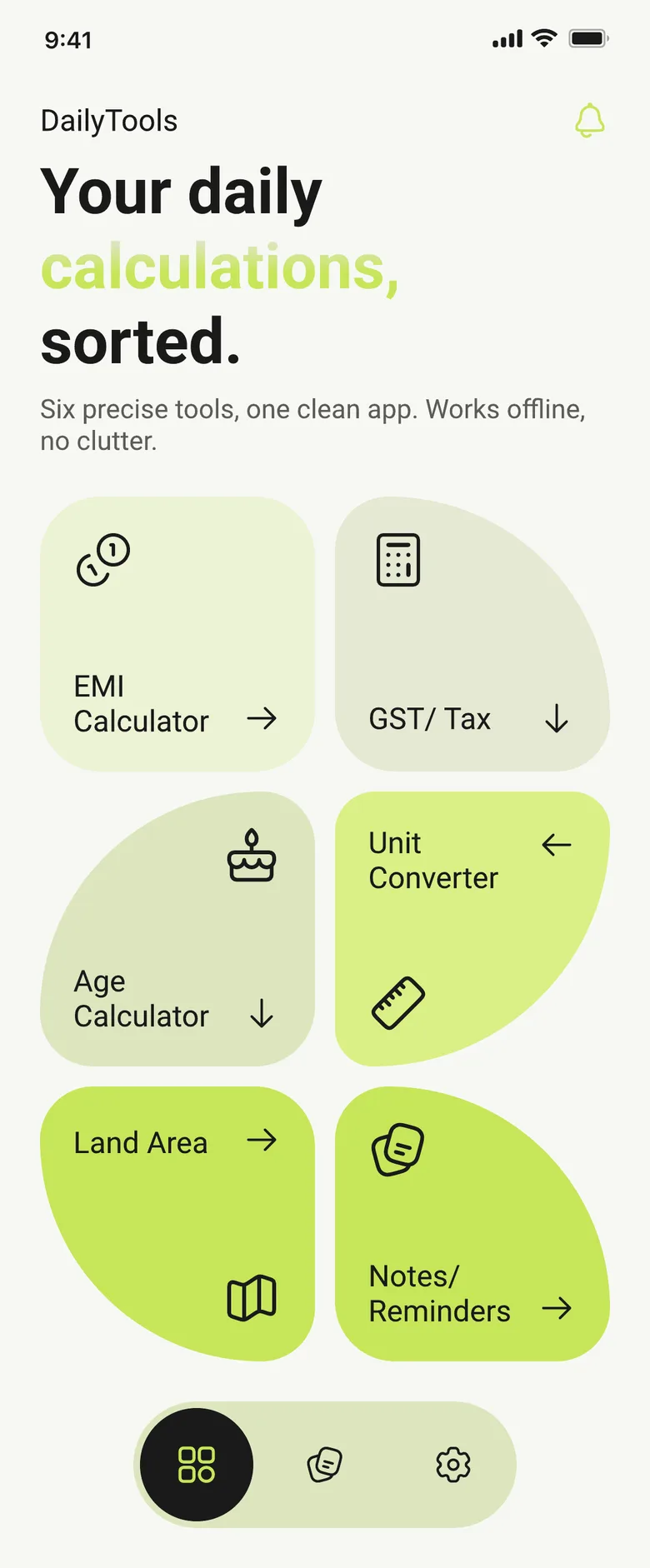
Six tools. One app.
Every calculator and converter SmartCalc ships with today — each one built to open instantly and get out of your way.
EMI Calculator
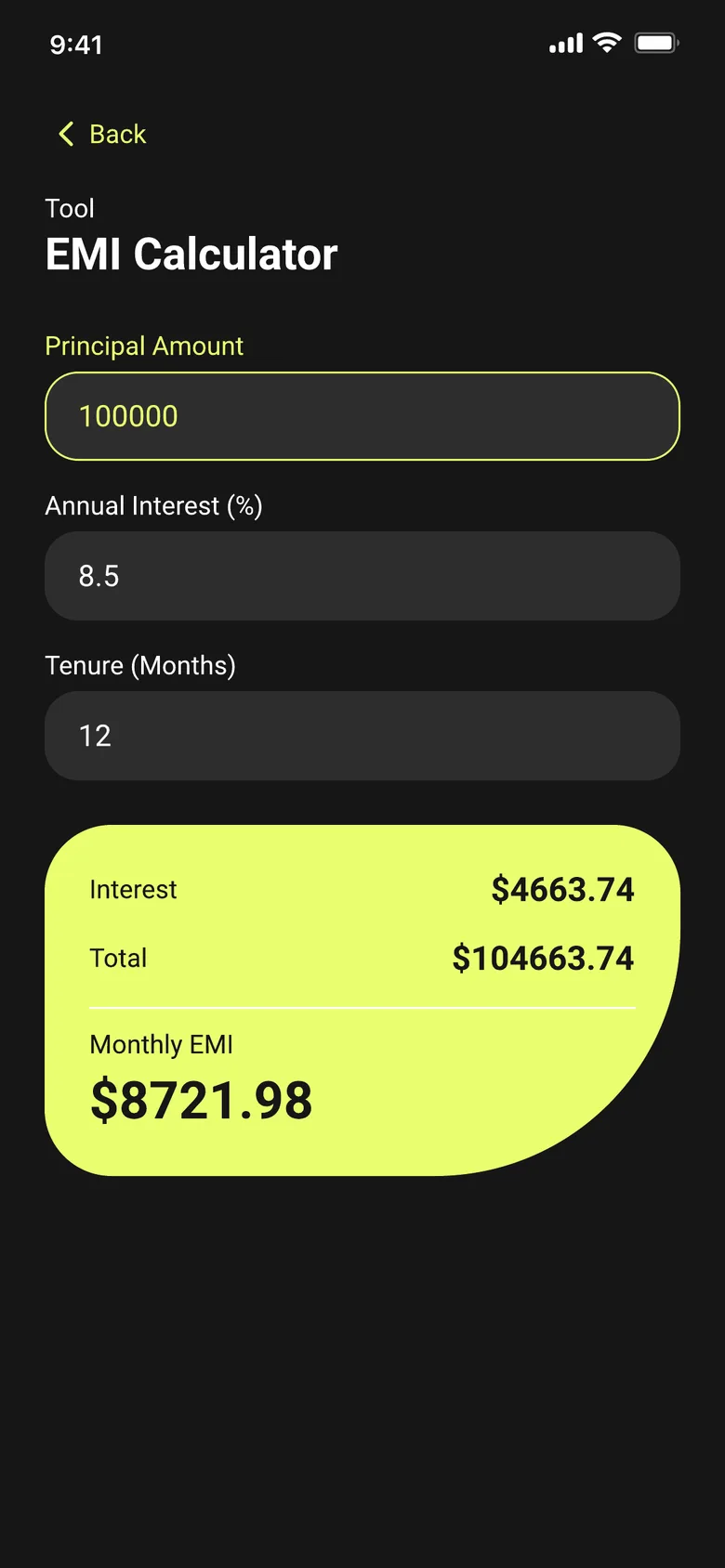
Enter a principal amount, annual interest rate and tenure in months to see your monthly EMI, total interest and total repayment.
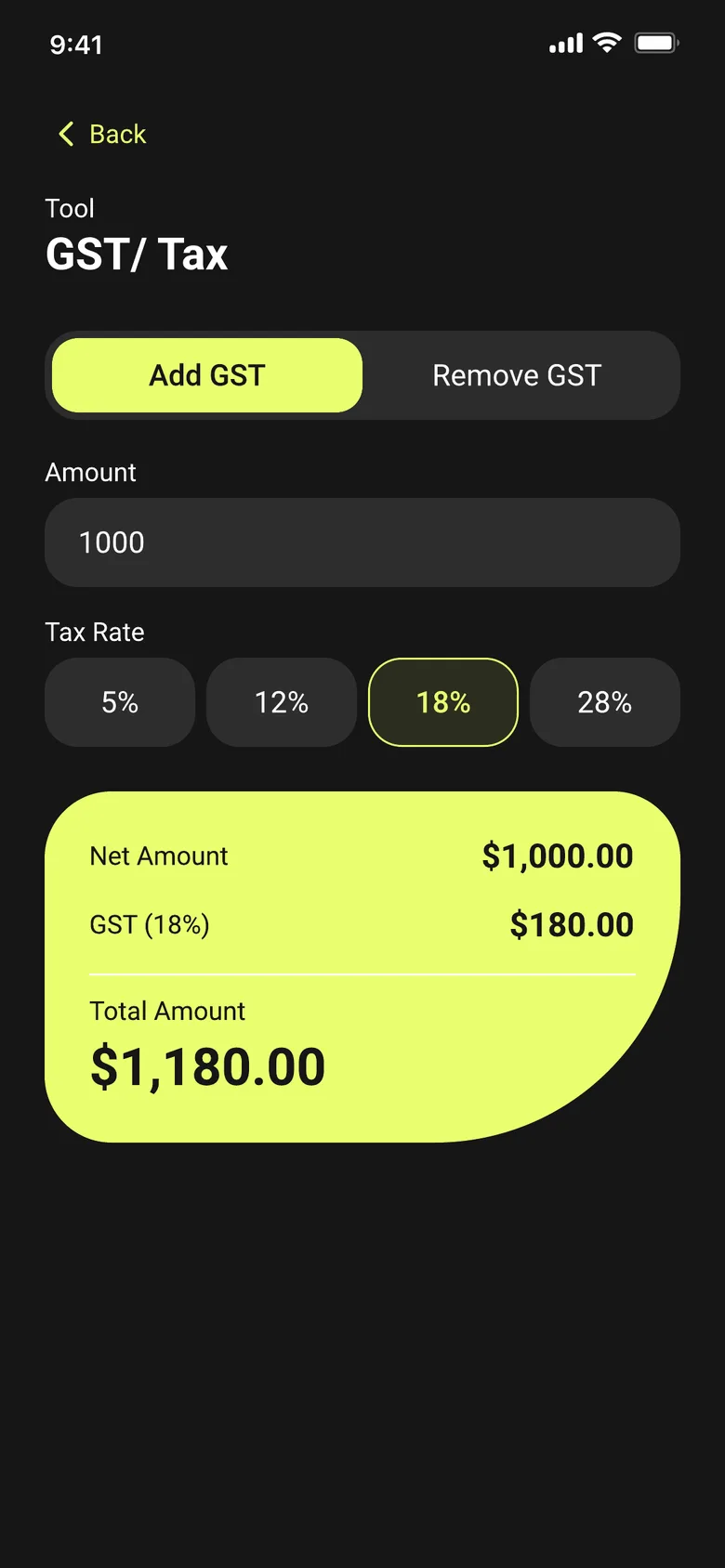
GST / Tax Calculator
Switch between Add GST and Remove GST, pick a 5%, 12%, 18% or 28% slab, and get the net amount, GST and total instantly.
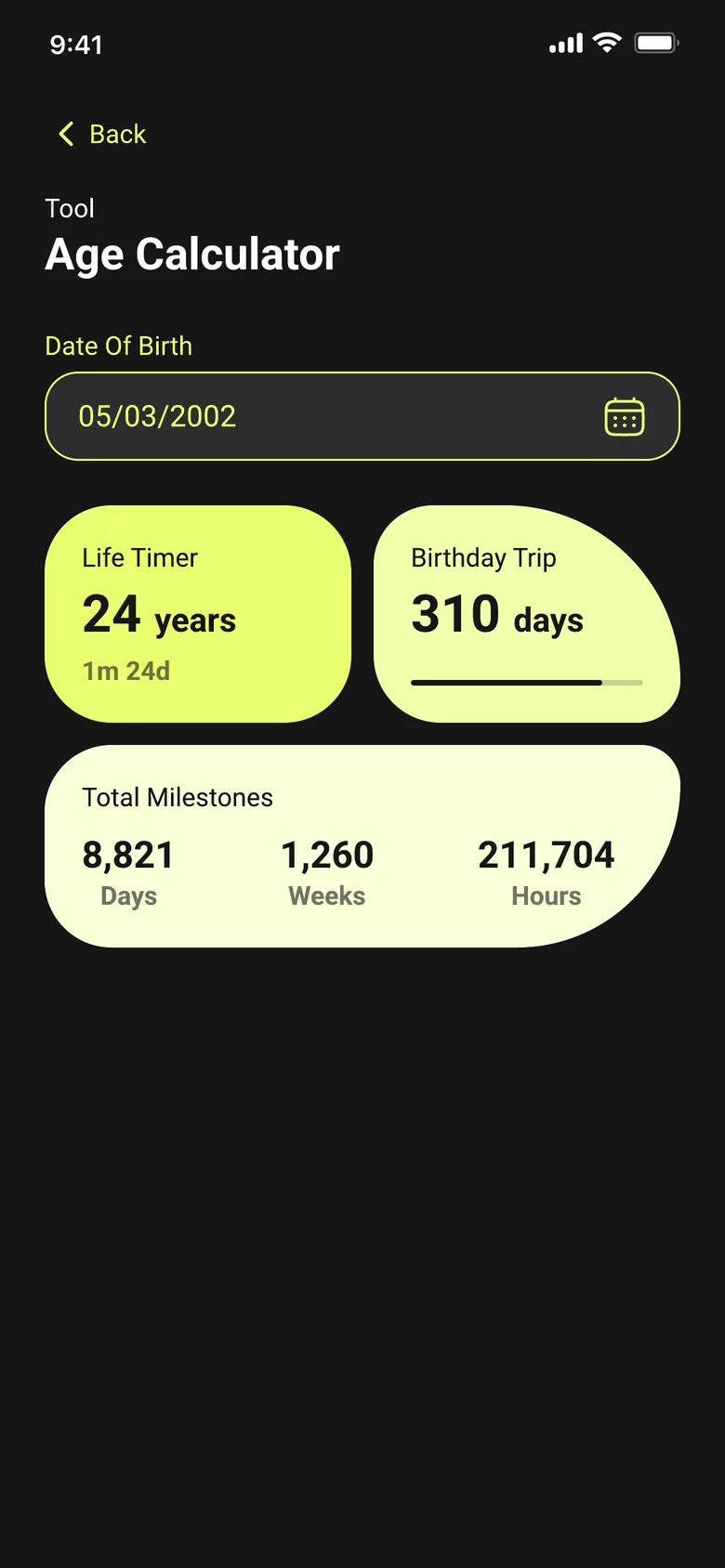
Age Calculator
Set a date of birth to see your exact age, a countdown to your next birthday, and totals in days, weeks and hours.
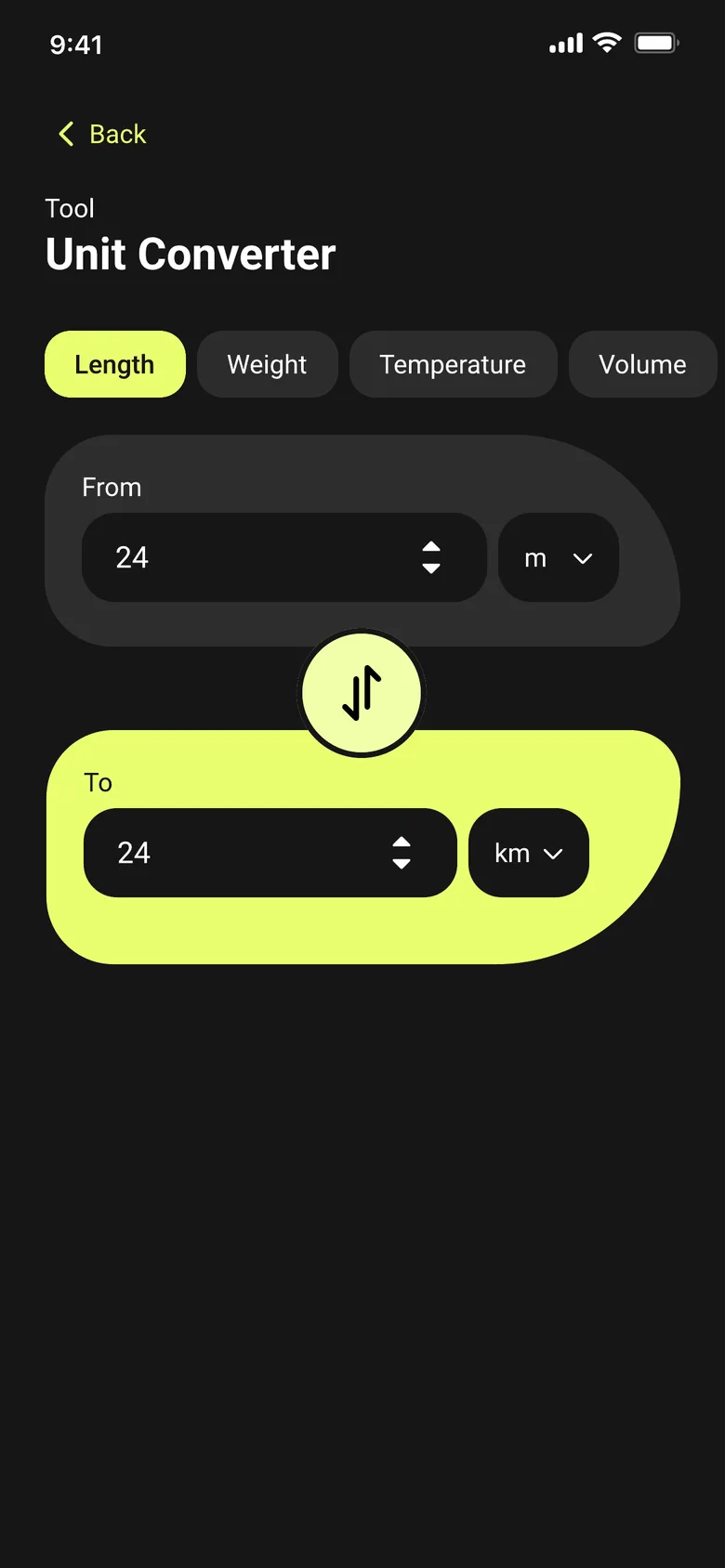
Unit Converter
Convert between Length, Weight, Temperature and Volume with a dual From/To layout and a one-tap swap.
Land Area Converter
A dedicated From/To converter for land measurements — including square feet to marla — with an instant swap button.
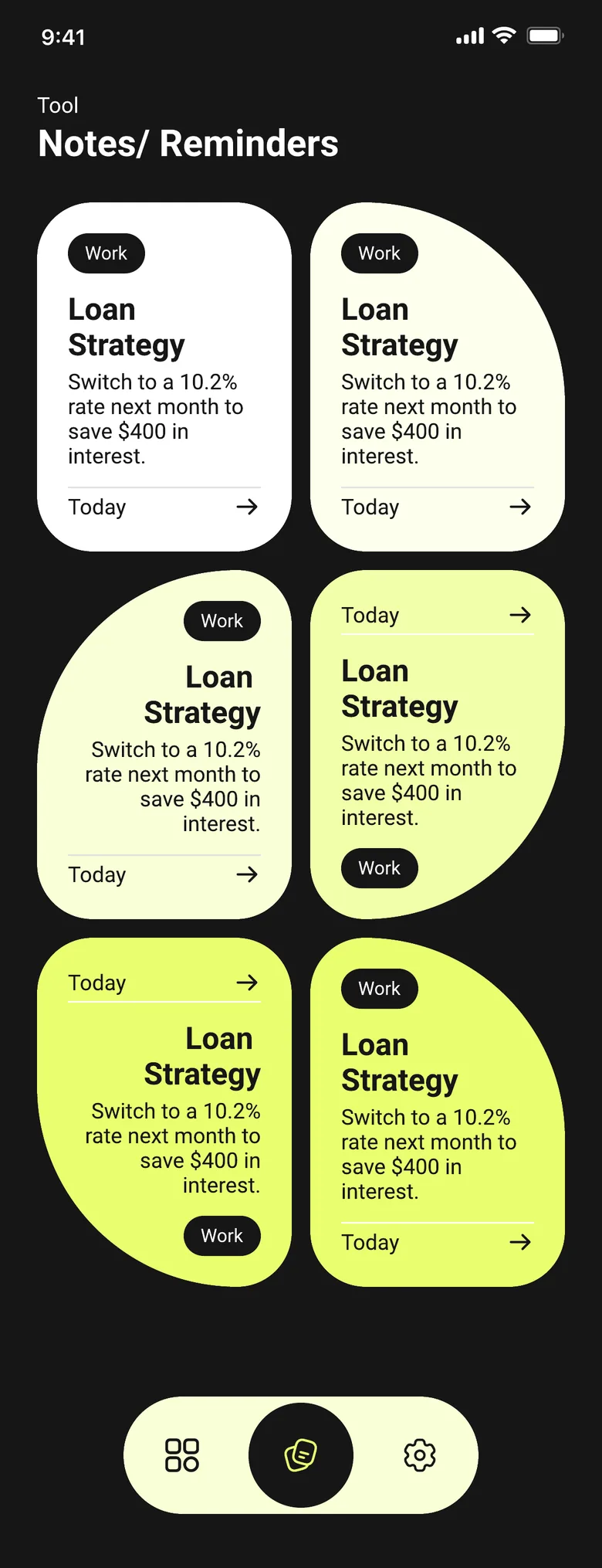
Notes / Reminders
Tag notes by category, edit them any time, and keep them stored locally — right next to the tools they relate to.
Land area
Square feet to marla, converted the moment you type.
Land measurements are where unit confusion costs the most — a mis-converted plot size can throw off an entire budget. SmartCalc's Land Area tool gives you a straightforward From/To layout: set your starting unit, and the converted figure updates as you go, with a single tap to swap direction.
Today that means fast, reliable conversion between square feet and marla — two of the units property buyers, tenants and small landowners deal with most.
Learn more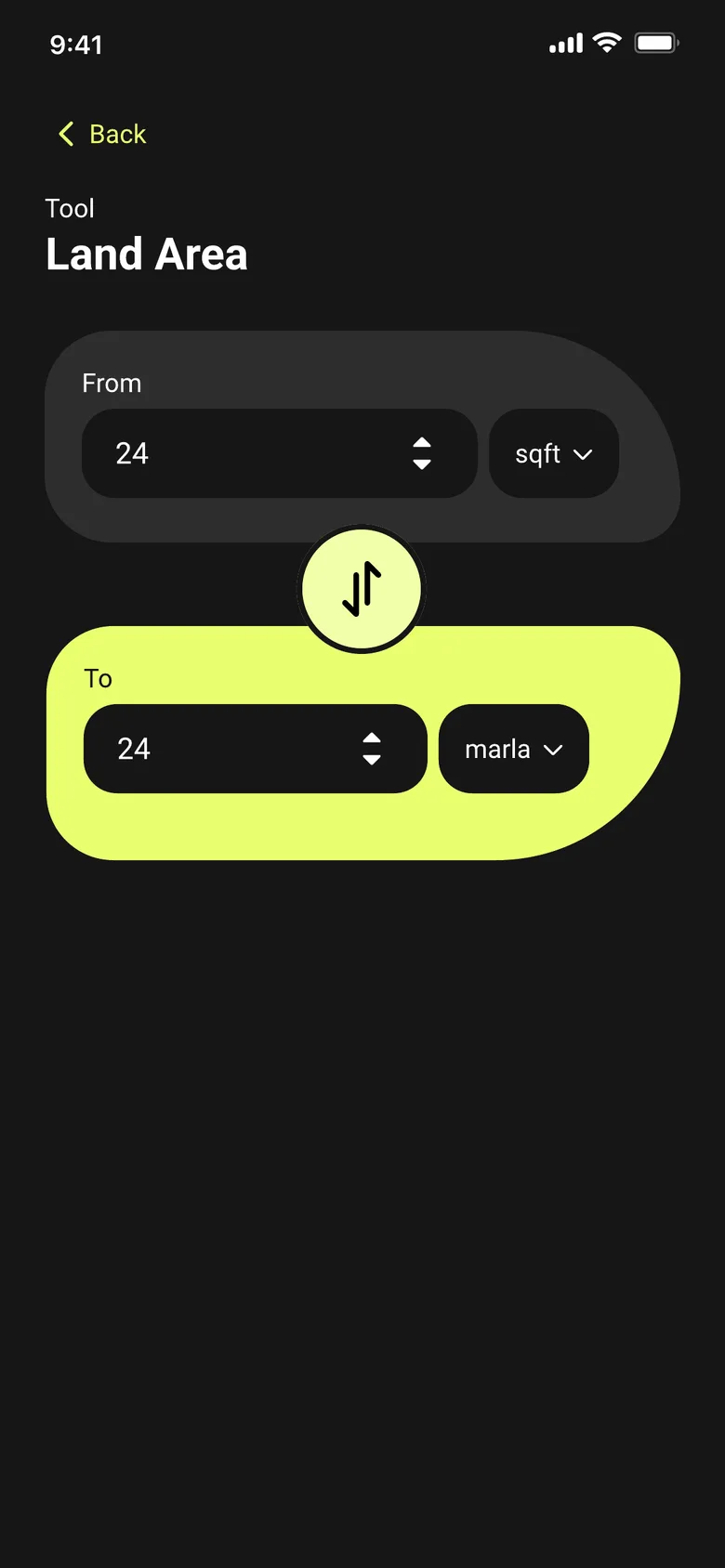
Money math
EMI and GST, worked out in one screen.
EMI Calculator
Enter three numbers and see the full breakdown:
- — Principal amount
- — Annual interest rate
- — Tenure in months
- → Interest, Total, Monthly EMI
GST / Tax Calculator
Add tax or strip it back out, at any standard slab:
- — Add GST or Remove GST modes
- → Net amount, GST amount, Total amount
Dates & measurements
Age tracking and everyday unit conversions.
Age Calculator
Set a date of birth and see it broken down three ways.
Life Timer
Years, months & days
Birthday countdown
Days to go
Total milestones
Days · Weeks · Hours
Unit Converter
Four everyday categories, converted both ways at once.
Notes
A quick place for the numbers you don't want to lose.
Right next to the calculators, SmartCalc keeps a simple notes list — tag a note by category, open it to edit the text, and save your changes. It's built for short, practical notes: a loan strategy, a rate you want to remember, a figure from today's calculation.
Notes are stored on your device as part of SmartCalc's offline-first design, the same way every calculator works without a connection.
Learn more about Notes →Why SmartCalc
Built to be the app you actually keep.
Simple
Every tool asks for exactly the numbers it needs — nothing more.
Fast
Open a tool, get a result. No accounts, no setup screens.
Offline-first
Calculators, converters and notes all work without a signal.
Clean design
An obsidian dark theme with a system-aware light mode.
How it works
Choose a tool
Pick from EMI, GST, age, unit, land area or notes on the home screen.
Enter your values
Type in the numbers or units the tool asks for.
Get your result
See the breakdown instantly — no loading, no connection required.
What is SmartCalc?
SmartCalc is a calculator and converter app that brings together six everyday tools people usually keep spread across separate apps or spreadsheets. Instead of switching between an EMI calculator, a GST calculator, a unit converter and a notes app, SmartCalc keeps all of it behind one home screen.
On the finance side, the EMI calculator works out a monthly loan repayment, total interest and total repayment from a principal amount, an annual interest rate and a tenure in months — useful for anyone comparing loan offers before signing anything. The GST/tax calculator sits alongside it, letting you add or remove tax at the standard 5%, 12%, 18% or 28% slabs to get a net amount, tax amount and total in one step.
For everyday measurements, the unit converter covers length, weight, temperature and volume with a dual From/To layout, while the land area converter handles the specific conversions property buyers and small landowners deal with, currently including square feet to marla.
The age calculator takes a date of birth and shows an exact age breakdown along with a countdown to your next birthday and totals in days, weeks and hours. And the built-in notes tool gives you a place to jot down the numbers or decisions that come out of a calculation, tagged by category and editable any time.
Every tool in SmartCalc is designed to work offline-first, so none of it depends on a live connection — the app is meant to be genuinely useful whether you're checking a GST figure at a shop counter or converting a plot size with no signal at all.
Frequently asked questions
Answers about what SmartCalc actually does today.
What is SmartCalc?
SmartCalc is an app with six everyday tools — EMI, GST/tax, age, unit and land-area calculators, plus notes — designed to work offline in one clean, dark interface.
Can SmartCalc calculate EMI?
Yes. Enter a principal amount, annual interest rate and tenure in months, and SmartCalc's EMI Calculator shows the interest payable, total repayment and monthly EMI.
Can SmartCalc calculate GST?
Yes. Choose Add GST or Remove GST, pick a 5%, 12%, 18% or 28% slab, and SmartCalc returns the net amount, GST amount and total.
What units does SmartCalc support?
The general Unit Converter covers Length, Weight, Temperature and Volume. The separate Land Area tool currently supports square feet and marla conversions.
Can SmartCalc convert square feet to marla?
Yes — the Land Area tool converts between square feet and marla, with a single tap to swap direction.
Does SmartCalc work offline?
Yes. SmartCalc is offline-first — every calculator, converter and note works without an internet connection.
Is SmartCalc available on Android and iOS?
SmartCalc is available now on Android via Google Play. An iPhone release is coming soon.
Keep your everyday calculations simple with SmartCalc.
Six tools, one obsidian-dark app, and nothing that needs a connection.