Notes / Reminders
Tag notes by category, edit them any time, and keep them stored locally — right next to the tools they relate to.
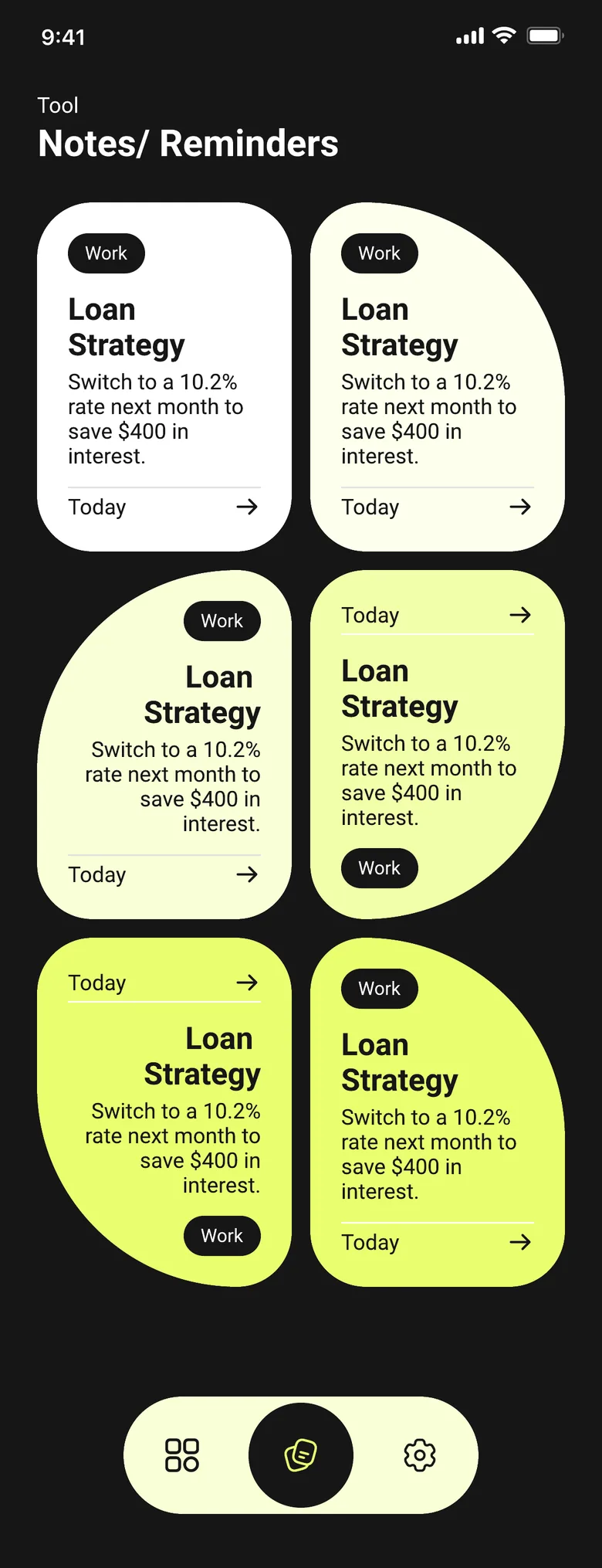
A quick place for the numbers you don't want to lose
Right next to the calculators, SmartCalc keeps a simple notes list — tag a note by category, open it to edit the text, and save your changes. It's built for short, practical notes: a loan strategy, a rate you want to remember, a figure from today's calculation.
How it works
Each note has a title, a category tag, and the note text itself, plus a last-modified date so you can see what's current. Notes are stored on your device as part of SmartCalc's offline-first design, the same way every calculator works without a connection.
What Notes / Reminders in SmartCalc needs from you
You enter
- —Title
- —Category tag
- —Note text
SmartCalc shows
- →Last modified date