GST / Tax Calculator
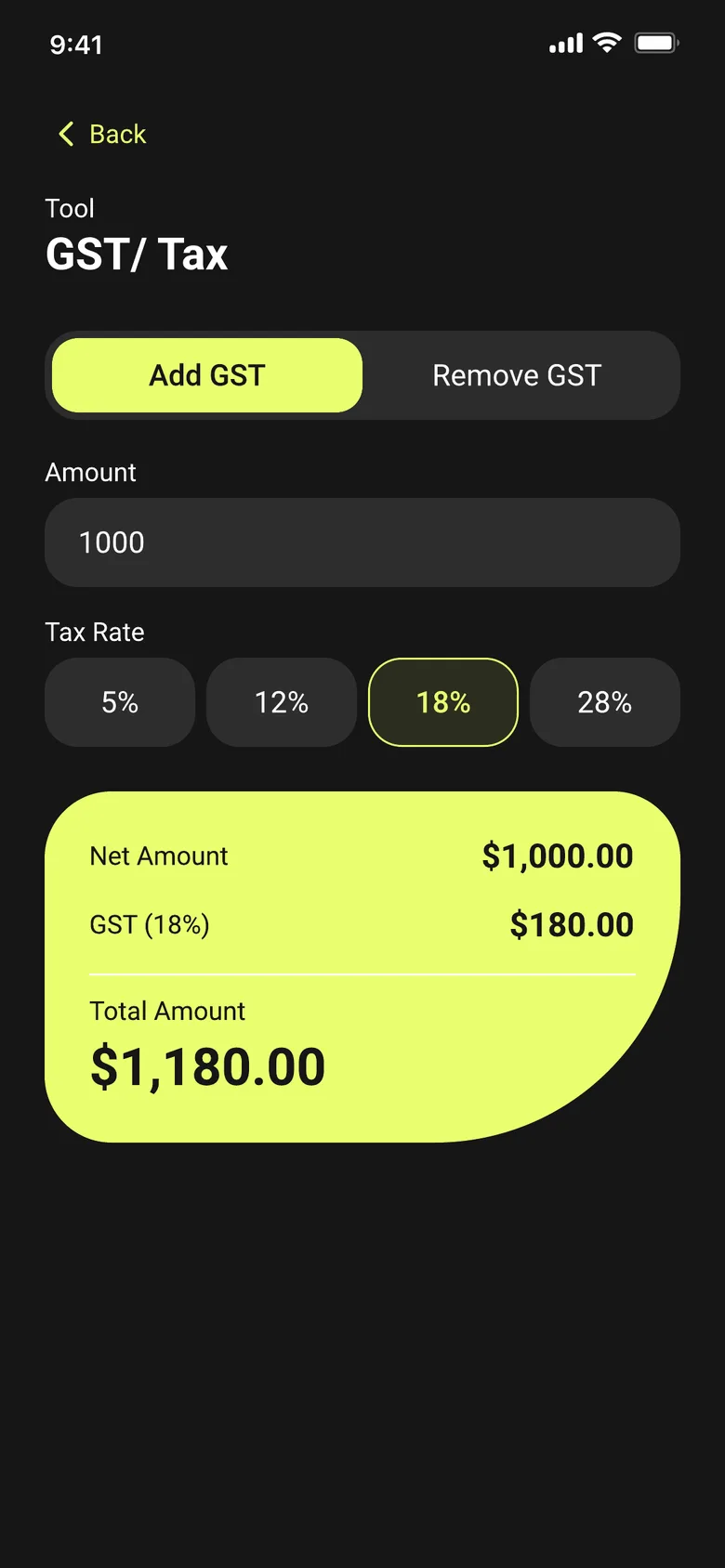
Switch between Add GST and Remove GST, pick a 5%, 12%, 18% or 28% slab, and get the net amount, GST and total instantly.
What is GST?
GST (Goods and Services Tax) is a tax charged as a percentage of the price of goods or services. Businesses and shoppers often need to move between two directions: adding GST to a base price to find the final amount a customer pays, or removing GST from a final price to see what the amount was before tax.
How to add GST
To add GST to an amount: GST amount = Net amount × (tax rate ÷ 100), then Total = Net amount + GST amount. For example, adding 18% GST to a net amount of 1,000 gives a GST amount of 180 and a total of 1,180.
How to remove GST
To remove GST from a total that already includes tax: Net amount = Total ÷ (1 + tax rate ÷ 100), and the GST amount is the difference between the total and that net amount. This is the calculation to use when you have a final price and need to know the pre-tax amount.
How SmartCalc helps
SmartCalc's GST/Tax Calculator switches between Add GST and Remove GST modes, with the four standard slabs — 5%, 12%, 18% and 28% — built in as one-tap options. Enter an amount and pick a rate, and it returns the net amount, GST amount and total instantly, offline.
What GST / Tax Calculator in SmartCalc needs from you
You enter
- —Amount
- —Tax rate (5% / 12% / 18% / 28%)
- —Add or Remove mode
SmartCalc shows
- →Net amount
- →GST amount
- →Total amount